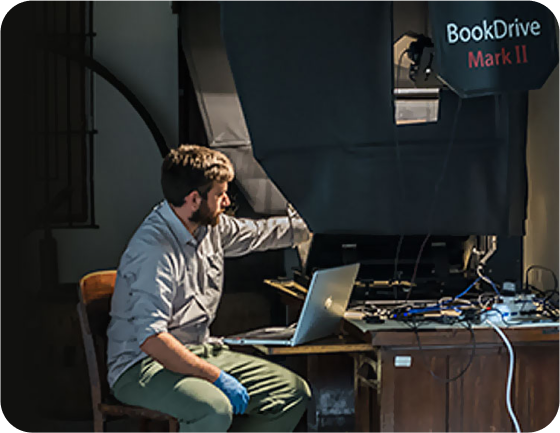
BookDrive Mark 2
Top of the line, A2
Mark 2, a successor to the BookDrive Pro, our best-selling scanner. Mark 2 has improved upon BookDrive Pro in so many important ways based on actual feedback from the pro users that make you want to upgrade.
View detail
BookDrive Mark 2 Lite
Mid-range, A3
Mark 2 Lite is part of the new Mark 2 series. You have 2 great choices: Mark 2 for double A2 and Mark 2 Lite for double A3 scanning in lighter and space-saving form factor. Both have the same great technology, ergonomics and safety features that come from close collaboration with the pro users.
View detail

BookDrive Mini 2
Affordable Legal Size
BookDrive Mini is the most affordable and easiest to use model of the successful BookDrive line of scanners. BookDrive solution solves typical problems found in overhead scanners: page curvature, damage to book spine, and low productivity.
View detail
BookDrive N
Flat-plane A2
More than books, the versatile BookDrive N is great for scanning bound and unbound materials such as artwork, maps, photos, journals, newspapers or pretty much anything.
View detail